Connect to Fabric and OneLake
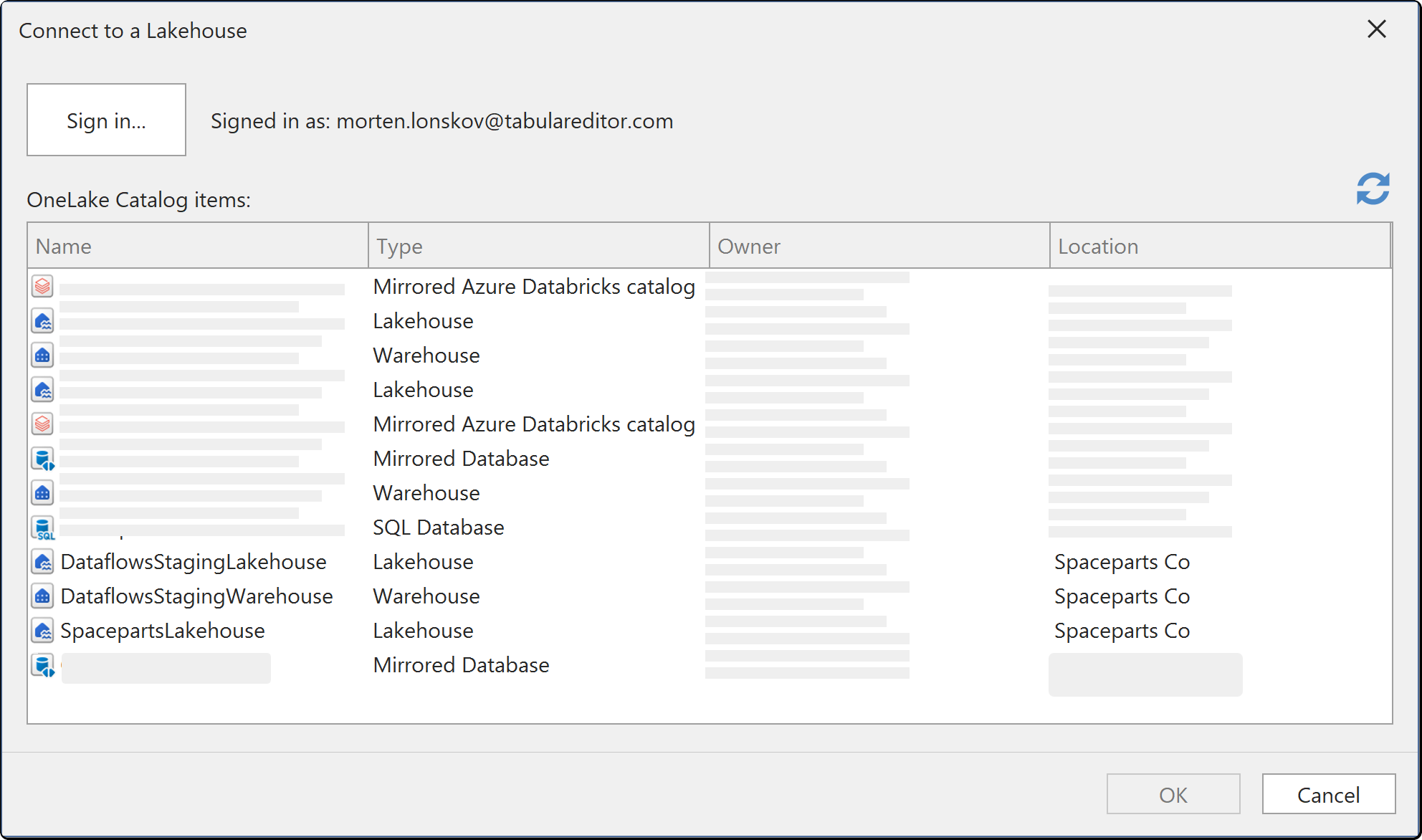
Tabular Editor connects to Microsoft Fabric to list workspaces and the Lakehouse, Warehouse and other items in them, and to import from OneLake.
Authenticators
Fabric and OneLake authenticate with Microsoft Entra ID. Signing in interactively is the default and covers ordinary modelling work. For an unattended refresh, use a service principal and grant it access to the workspace in Fabric.
Fabric permissions are granted in Fabric, not in Tabular Editor. An account that can sign in but sees no workspaces has not been given access to them, which is a Fabric permissions question rather than a connection problem.
Direct Lake
A Direct Lake model reads from OneLake rather than importing, so the connection is part of the model rather than an import step. See Direct Lake on SQL Semantic Models.
Note
Where the SQL analytics endpoint of a Lakehouse or Warehouse cannot be determined, Tabular Editor reports that rather than creating a table with no columns. If you see that error, check that the item has finished provisioning its endpoint in Fabric.
Where the credentials are stored
Credentials you enter here are saved per user and per model in the user options file (.tmuo) beside the model, encrypted so that only your Windows account can read them. They are not part of the model metadata, so they are not committed to source control and a colleague opening the same model supplies their own.
The generated M expression names the server and the object only. It never contains a password, a token or a key.